
Framer Alternatives: 7 Website Builders Compared (2026)

Framer has one of the strongest identities in the website-builder category: a design-tool canvas, polished animations, AI-assisted generation, and a user base that trends toward designers and creative agencies. For people who want to design a site, Framer is genuinely good. The April 21, 2026 CMS 3.0 release closed most of the usability complaints — inline editing, multi-cell selection, bulk actions, folders — though the structural ceilings remain (one collection on Basic, no API, no code export).
But there’s another reader on every “Framer alternatives” page who isn’t actually a designer. They’re a business owner, a marketer, a founder. They wanted a page that runs ads — and somebody told them Framer was the prettiest builder, so they bought it. Now they’re staring at a drag-and-drop canvas and realizing pixel-pushing is not the job they came here to do.
This post compares seven alternatives honestly. Six of them are page builders, with their own takes on the design surface. The seventh is something different — and it’s on the list because the reader’s actual problem might not be “which builder,” but “which category of tool.”
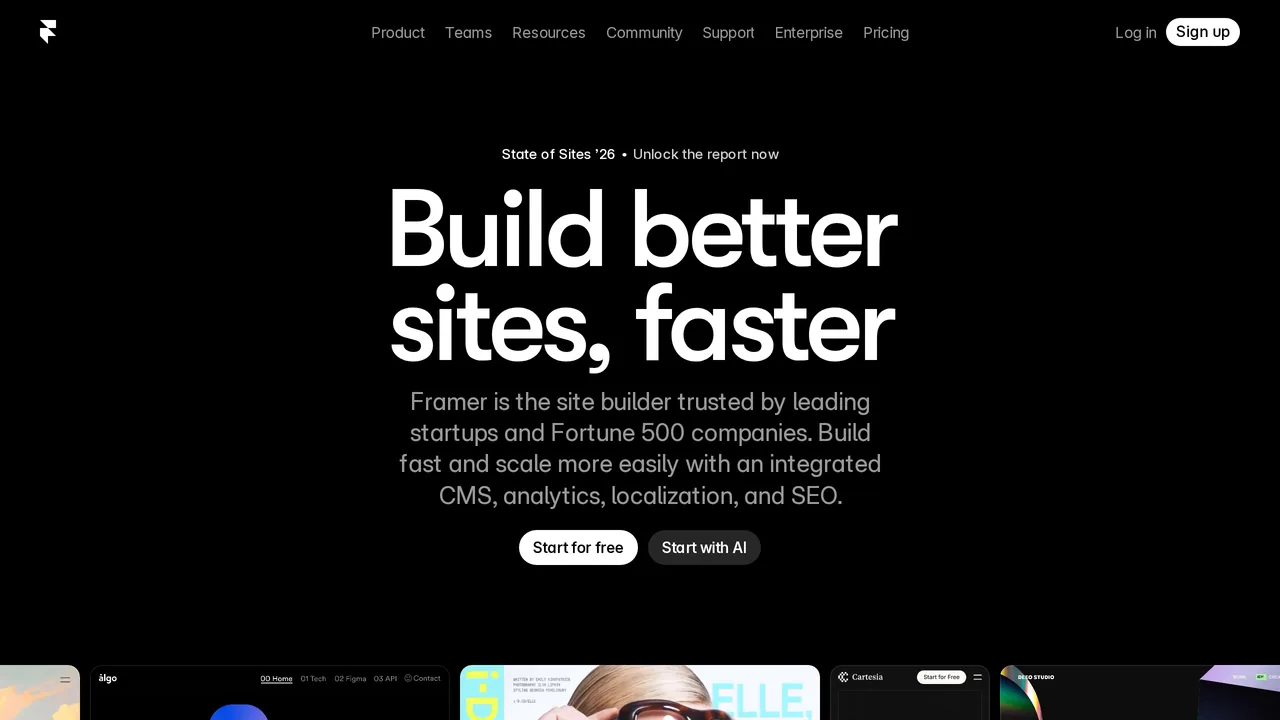
Who Should (and Shouldn’t) Leave Framer
Stay on Framer if you’re a designer or you enjoy designing. The drag-and-drop canvas is best-in-class, the animation tooling is real, and if pushing pixels is the part of the work you actually want to do, Framer rewards you for it.
Leave Framer if designing isn’t the job you came to do. If you’re trying to acquire customers from Google Ads, drag-and-drop is the slow path: tedious in practice, no enforcement of the structural patterns Google’s AI rewards (Quality Score, fold logic, Core Web Vitals, audience-signal clarity), and no campaign or tracking layer behind it. Framer is a design tool. Customer acquisition is a different category of work.
Quick Comparison
| Tool | Starts at | Best for | What it solves |
|---|---|---|---|
| Webflow | $14/mo | Designers + content teams | Real CMS + pixel-level design |
| Wix | $17/mo | Non-technical service businesses | All-in-one: site + booking + store |
| Squarespace | $16/mo | Creators, service businesses | Polished templates + built-in commerce |
| WordPress | $5–$30/mo hosting | Publishers, complex sites | Open-source + largest plugin ecosystem |
| Elementor | $59/yr | WordPress users | Visual builder inside WordPress |
| Typedream | $15/mo | Indie founders, digital products | Notion-like editing + commerce |
| Launch10 | $59/mo | Anyone running paid search or social ads | Page + ads + tracking + ongoing optimization |
1. Webflow
Tagline: “Make your website a growth engine.” Starts at: $14/month on the Basic plan (annual). Free Starter tier available.
Webflow is the serious designer’s upgrade from Framer. Pixel-level design control, a CMS that genuinely scales to thousands of structured entries across multiple collections, and semantic HTML output that SEO teams actually want. The learning curve is steeper than Framer’s — you’re working with box-model and flexbox concepts rather than a free-form canvas — but the ceiling is higher. Webflow positions itself in 2026 as an “agentic web marketing platform” with AI site-building embedded across all plans. Real configuration costs add up fast: editor seats, e-commerce transaction fees on lower tiers, and add-ons like Webflow Optimize (starting at $299/month for personalization and A/B testing) can push a serious team setup well past $100/month.
Best for: Agencies, marketing teams, and content-heavy sites that need real CMS depth and semantic HTML. Key limit: Steep learning curve; pricing stacks with seats and add-ons.
2. Wix
Tagline: “Create a website without limits.” Starts at: $17/month on the Light plan (annual).
Wix is the broadest all-in-one platform on this list. A single subscription includes the site, domain, email, appointment booking, a basic online store, email marketing, and SEO tooling. Wix ADI, the AI site generator, has been the subject of heavy investment, and the template library is enormous. Service businesses that want one vendor instead of five tend to land here. The tradeoffs are persistent: Wix sites score worse on Core Web Vitals than Framer or Webflow historically, migration out of the Wix ecosystem is limited, and designer sentiment toward Wix output has been mixed for years.
Best for: Non-technical service businesses that want a turnkey site, booking, and commerce in one tool. Key limit: Page weight and SEO trail Webflow and Squarespace; ecosystem lock-in is stronger than most alternatives.
3. Squarespace
Tagline: “A website makes it real.” Starts at: $16/month on the Basic plan (annual).
Squarespace is the polish play. Templates do more of the design work than anything else in the category, and the bundle includes scheduling (via Acuity), email campaigns, member areas, and e-commerce — enough to run a real service business, boutique, or creative practice. The 2025 restructured four-tier pricing (Basic $16, Core $23, Plus $39, Advanced $99) moved some commerce features up-market; check which tier actually covers what you sell. Design flexibility is less free-form than Framer or Webflow — you’re working inside beautifully-designed rails — which is the point for a lot of users.
Best for: Creators, restaurants, boutique retailers, photographers, and service businesses that want polish without designer hours. Key limit: Less design flexibility than Framer; transaction fees on the Core plan.
4. WordPress (self-hosted)
Tagline: “The open source publishing platform of your choice.” Starts at: The software is free; realistic all-in cost is $5–$30/month for hosting plus a domain.
WordPress powers roughly forty-three percent of the web, and the plugin ecosystem has no rival. For publishers, content-heavy marketing sites, and anyone who needs full ownership and portability, self-hosted WordPress (wordpress.org, not wordpress.com) is the most capable option on this list. You are also the IT department. Plugin conflicts, security patching, backups, hosting decisions, and performance tuning are all yours. For teams whose core work isn’t running a website, the maintenance overhead is real and nontrivial.
Best for: Publishers, complex sites needing full control, and teams that want unmatched plugin extensibility (WooCommerce, Yoast, LearnDash, etc.). Key limit: You run the infrastructure; patching and conflicts are your job, not a vendor’s.
5. Elementor
Tagline: “The leading WordPress website builder.” Starts at: $59/year Essential (1 site); $99 Advanced (3 sites); $199 Expert (25 sites).
Elementor is the visual builder for people who want WordPress’s plugin ecosystem but don’t want to write code. Twelve million-plus installs, a mature drag-and-drop builder with Theme Builder for full-site templating, a Form Builder, and AI content generation. Elementor is also known for CSS and JavaScript bloat that hurts Core Web Vitals unless actively tuned — a real problem if your landing page is expected to perform in paid search, where page speed directly affects Quality Score and Landing Page Experience.
Best for: WordPress users who want Framer or Webflow-style visual editing inside their existing stack. Key limit: Inherits WordPress maintenance; known for extra weight that hurts Core Web Vitals without tuning.
6. Typedream
Tagline: “No-code site builder, easy as Notion, pretty as Webflow.” Starts at: $15/month Launch (annual). Free tier available.
Typedream feels like Notion with a polish layer. Simpler editor than Webflow, more modern output than Carrd, built-in Stripe-based digital product sales, and AI-first onboarding that can generate a working site from a single prompt. For solo founders and indie hackers shipping an MVP or a templates business, Typedream punches above its weight. The ceiling is real: smaller template library, fewer integrations, thinner CMS than Webflow or Squarespace.
Best for: Indie founders and creators selling digital products who want fast publish times and Notion-like editing. Key limit: Smaller ecosystem; not proven for SEO-heavy use cases.
7. Launch10 — Different Category. Same Goal.
Tagline: “The marketing tool that gets better every time you run it.” Starts at: $59/month.
Framer’s drag-and-drop is best-in-class. We deliberately didn’t build it.
Not because we couldn’t. Because every business owner, marketer, and non-technical founder we talked to said the same thing about drag-and-drop: it’s tedious in practice. They didn’t want to push pixels for a weekend. They wanted a page that converts ad traffic by Tuesday. So we picked AI-editing instead — tell us what changed about your offer or your audience, we update the page. The pixels aren’t the work. The campaign is.
That choice cascades. A drag-and-drop tool trusts you to know which sections feed Google’s Quality Score, which copy patterns help its AI classify your audience, which fold structure converts ad traffic, which page weight passes Core Web Vitals on a phone. Launch10 enforces those because we built the tool around the campaign, not the canvas. In 2026, your landing page isn’t really a page anymore — it’s a signal to Google’s ad-targeting AI, and the AI rewards pages that clearly declare who they’re for. We engineer the page as a signal. Framer trusts you to know that’s a thing.
And the page is only the start. Launch10 also runs the ad campaign — keyword research with real cost data, fifteen headlines, four descriptions, sitelinks, callouts, structured snippets — the parts of a Google ad that quietly bring down your cost per click. Tracking ties every click to the form fill, the lead, and the dollar amount when they pay you. Every week you get a short list of decisions in plain English: cut this keyword, test this headline, add these zip codes. Not a dashboard. Decisions.
The pages themselves are drawn by real designers — every template hand-crafted by our design team before AI fits your business into it. No gradient soup, no AI-slop visuals. We’re not conceding the design fight to Framer; we’re saying design is one column in a much wider system.
Category clarity: Framer is for people who want to design a site. Launch10 is for people who want to run a campaign. Pick the tool that matches the job you’re actually doing.
Best for: Business owners, marketers, agencies, and non-technical founders running paid search or social ads — anyone whose job is “more customers from Google or Meta,” not “design my site.” Especially strong for local service businesses (HVAC, plumbing, dental, legal, chiropractic, roofing) and the agencies serving them. Leads flow into HubSpot, Salesforce, Mailchimp, Monday, Slack, and 5,000+ other tools via Zapier. Key limit: No drag-and-drop canvas. No twenty-page marketing site with a blog and a custom design system. If your job is designing, the first six tools on this list are the right answer.
How to Choose
- You’re a designer building a polished creative site: Framer is actually fine, or Webflow if you want CMS depth.
- You need a turnkey service-business site with booking + store: Wix or Squarespace.
- You need content-heavy publishing with full control: WordPress.
- You’re in the WordPress ecosystem already: Elementor.
- You sell digital products: Typedream.
- You want to run a campaign, not design a site: Launch10.
Framer is excellent at design. If designing is the work you came to do, any of the first six tools on this list is a plausible answer. If the work you came to do is “make the phone ring,” the first six tools are adjacent to the problem — not inside it.
Related reading
- Carrd alternatives — for readers shopping the simple-page end of this same spectrum
- AI landing page builders for Google Ads — what to look for when the page has to convert paid traffic
- Connecting landing pages to ads — why a beautiful Framer page often dies in the conversion handoff
Frequently asked questions
Why do designers leave Framer?
Is Webflow actually better than Framer?
Can I move my Framer site to Webflow?
Is Framer good for Google Ads landing pages?
What's the cheapest Framer alternative?

Co-Founder & CEO, Launch10
Greg Hockenbrocht is the Co-Founder and CEO of Launch10. Before Launch10, he was on the executive leadership team at Fundera through its acquisition by NerdWallet, where he led Growth & New Ventures following the company's IPO. Through Illuminated Ventures and work with founders and business owners, he saw a need for Launch10 to help bring clarity, confidence, and ease to digital marketing.